For restaurants & cafés

QR table ordering and a live kitchen screen

We help NZ businesses, churches, and organisations grow and save time. Taking payment is convenient — and cheaper for your customers than paying by card.

Guests scan a QR at the table, order on their phone, and the ticket goes straight to your kitchen screen. No app download. No cut of food sales. Keep your EFTPOS or turn on Pay by Bank.

NZ$49/month · we take 0% of food · 60-day free trial · Cancel anytime

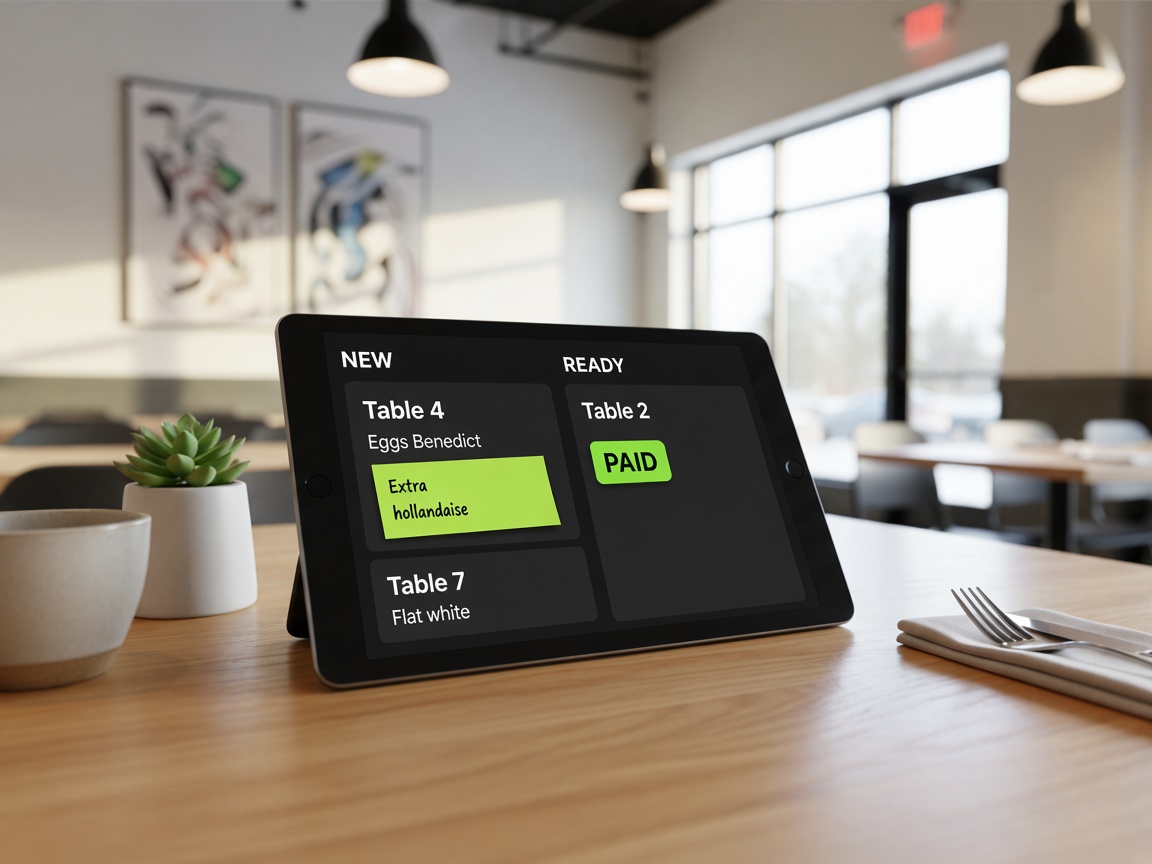
Kitchen display on a tablet at a café table, showing live tickets

Kitchen display — live tickets on any tablet

Is this for you?

You run a café or restaurant. Your kitchen needs to keep up.

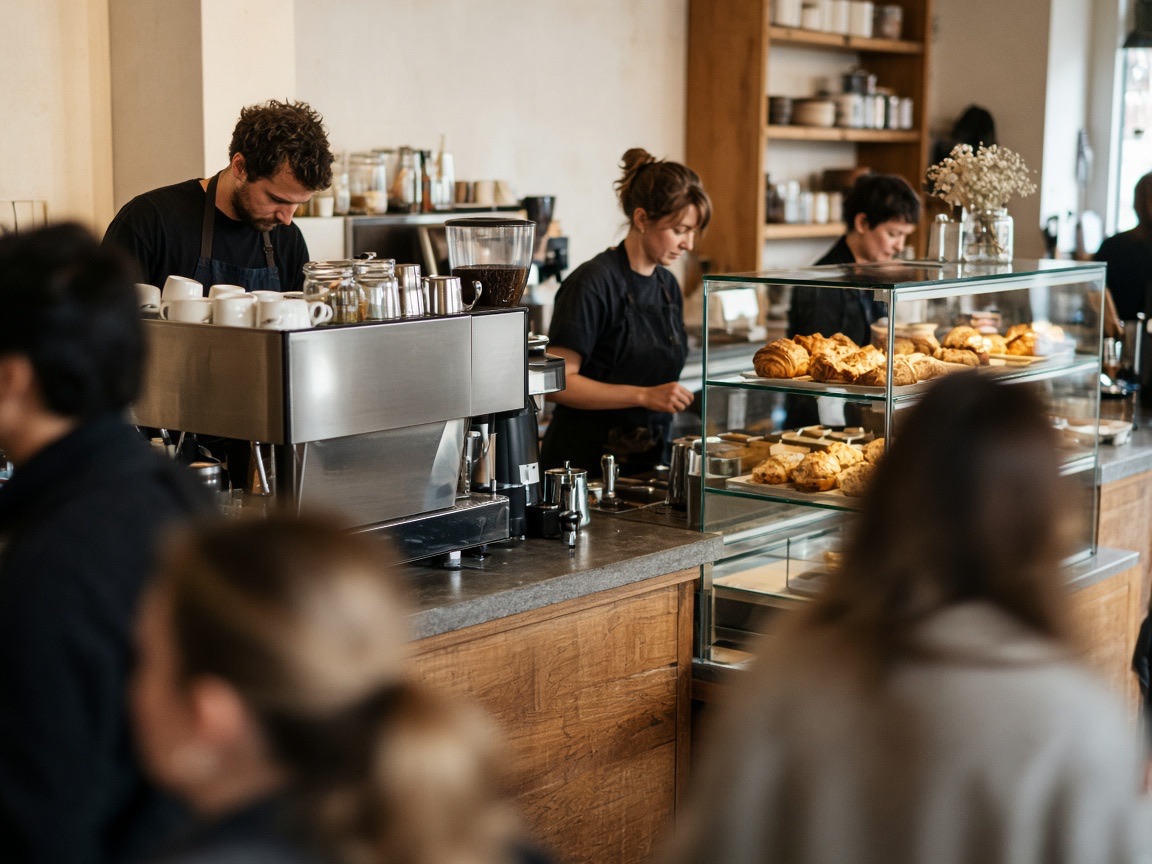
Busy café counter during morning service

Busy café — mid-service rush

Saturday morning. Tables are full. Two staff on floor. Orders are getting mixed up and you are writing on paper and yelling through a window.

  • Guests scan the table QR and order on their phone
  • Ticket lands on the kitchen screen instantly — table number, items, extras in plain text
  • Kitchen marks ready. Floor staff deliver. No miscommunication.
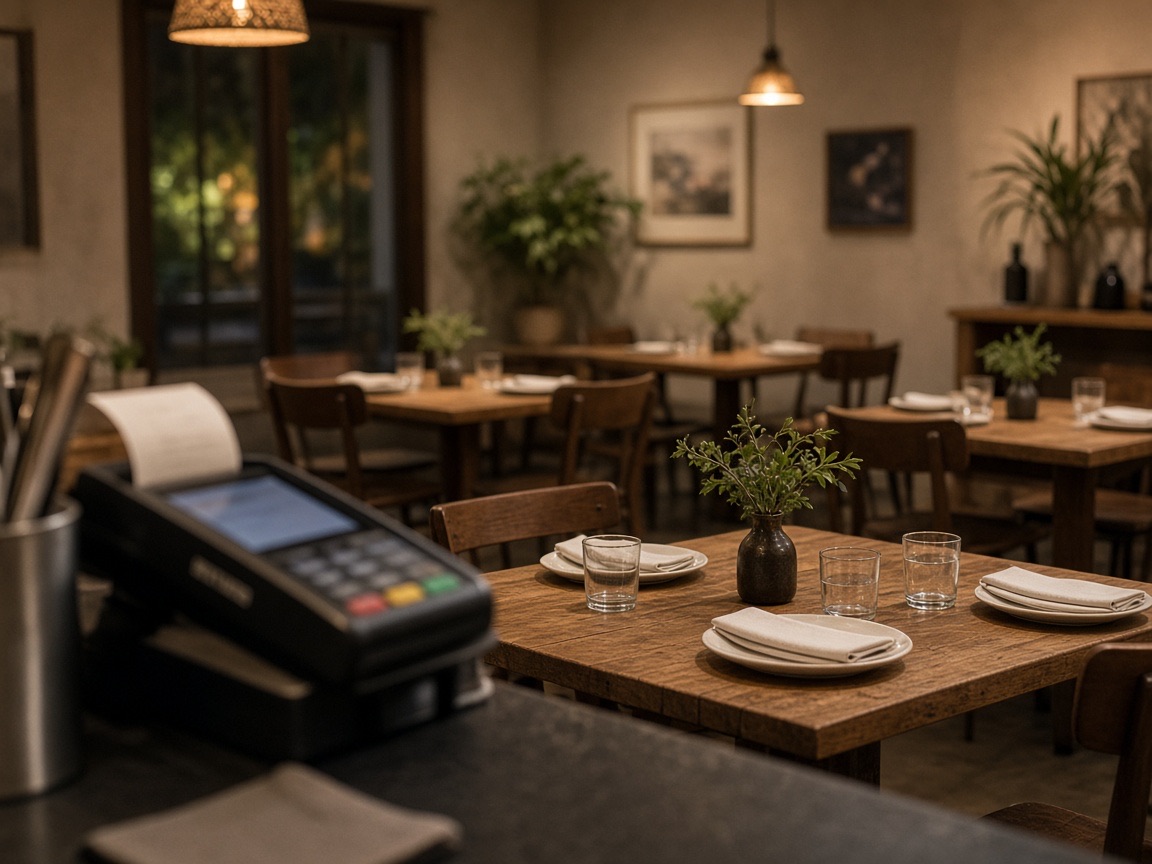
Casual restaurant dining room with a payment terminal on the counter

Casual restaurant — keeping EFTPOS

You want a digital menu and kitchen screen — but you do not want to lose card payments or give away a percentage of every sale to an ordering platform.

  • QR ordering is optional for guests — staff can still take verbal orders
  • Guests pay on your EFTPOS as usual — or turn on Pay by Bank for phone payments
  • Flat NZ$49/month. We take 0% of food.

How it works

Guest orders. Kitchen sees it. You get paid.

01

Guest scans the table QR

Each table has a QR card. They scan, see your menu, and order on their phone. No app download, no account needed.

02

Ticket appears on the kitchen screen

The order lands on your Kitchen Display in real time. Extras and notes in plain type. Staff tap when ready — no paper tickets.

03

They pay as usual — or on their phone

Default: guests pay on your EFTPOS when food arrives. Optional: turn on Pay by Bank and the ticket arrives already paid.

04

You run the menu from one screen

Change prices, hide a sold-out dish, print QR cards — all from your workspace. The guest menu updates instantly.

New

Table 4

Eggs Benedict ×1

Extra hollandaise

Flat white ×2

Table 7

Smashed avo ×1

✓ Already paid (Pay by Bank)

Ready

Table 2

French toast ×2

Long black ×1

Any tablet or screen. No specialist hardware.

What's included

Everything in one workspace

QR table ordering

Per-table QR cards or a single venue QR. Same menu either way. Guests scan — no app to download, no account needed.

Kitchen Display (KDS)

Live tickets on any tablet or screen in the kitchen. New / Ready columns. Staff mark paid or void. No paper tickets going missing.

Food menu manager

Add categories, set prices, upload photos. Hide a dish when you sell out — the guest menu updates in seconds, no reprinting.

Staff PIN

Shared staff PIN to open the kitchen screen for a shift. Mark paid, mark ready, void a ticket.

Today's sales

See today's total, orders, and what's selling from your owner dashboard. No separate spreadsheet.

Payment options

Default: pay on your EFTPOS. Optional: Pay by Bank (NZ only) — turn it on from Settings, guests pay on their phone before food arrives.

Guest experience

Three paths for guests

Guests can order from your usual menu, scan a QR at the table, or — coming later — chat what they feel like eating and we match it to your dishes. Usual menu and QR are live today. No guest is locked out of a preference.

01

Usual menu (unchanged)

Staff take orders from a printed menu or verbal request. Nothing changes. QR is optional for guests — not mandatory.

02

Scan the table QR

They scan, browse your menu with photos, choose extras, and send. Ticket lands on the kitchen screen. Live today.

03

AI Chat OrderComing later

They chat what they feel like eating — "something creamy with noodles" — and we match it to your menu. Not live today.

Right for you

Take Orders is built for

  • Cafés and casual restaurants with table service
  • Venues that want a kitchen screen without giving away a % of food
  • Teams that want to keep their existing EFTPOS
  • Venues where some guests prefer QR and others prefer staff service

Different job?

Consider instead

  • Church or community group: Take Payments — no menu or kitchen needed
  • Conference or event: Take Bookings — tickets and check-in
  • Delivery app: — we focus on dine-in and counter, not delivery
  • Replace the till: — we sit alongside your till, not replace it

Ready to try it?

NZ$49/month. We take 0% of food. Kitchen screen included.

QR table ordering, a live kitchen screen, and Pay by Bank if you want it. Flat NZ$49 — we take 0% of food.